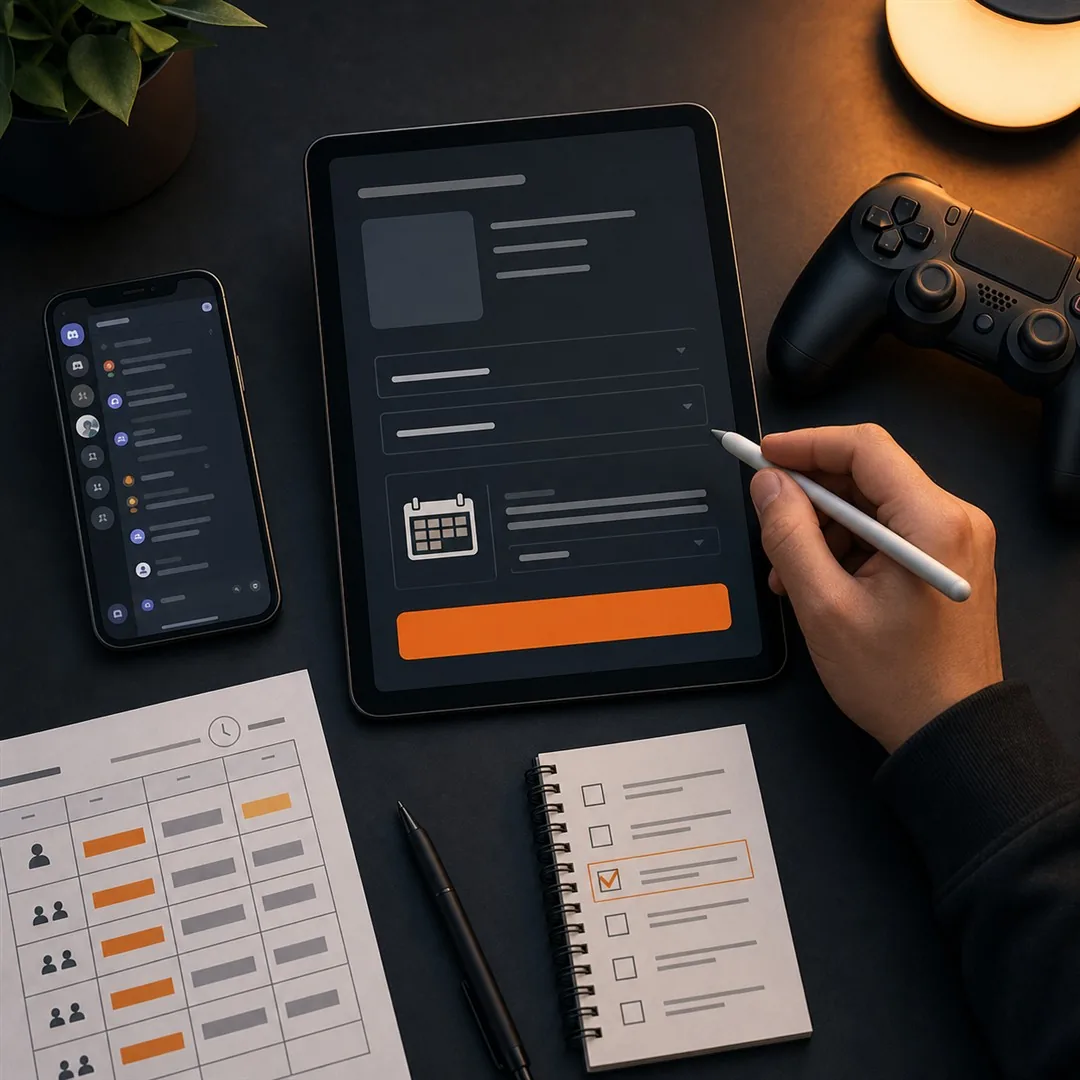
Post online scrims and mini tournaments with clear event details so players can decide quickly whether the format, schedule, and rules are right for their team.
Table of Contents
Online community events succeed when the listing answers the important questions before players need to ask them. This guide explains how organizers can use FinalRound.gg’s current online-focused scope, alongside their normal community channels, to promote a scrim, mini tour, or fast tournament without overstating what the platform does.
What FinalRound.gg Is For Today
A reliable organizer can post online scrims and mini tournaments without promising tools that are not part of the platform. Clear discovery and accurate event information are the useful starting point.
FinalRound.gg is an online-focused esports platform for easy event posting, mini tours, fast tours, scrims, and Find Your Team discovery. That makes it useful for organizers who want a clear place to share a community event and for players who want to check opportunities beyond a single social feed.
The important boundary is accuracy. FinalRound.gg should not be described as a bracket-management, player-management, or live-data platform when those features are not part of the current product. The job of the organizer is to publish reliable information and link to the actual rulebook, registration method, and contact channel.
How to Post Online Scrims and Mini Tournaments
Before you post online scrims and mini tournaments, read the listing once as a player. If the format, deadline, and contact are not clear in that first read, improve the post before sharing it.
- Start with a specific title. Include the game, event type, and region. “MLBB Malaysia Friday Scrim†tells players more than “Community Tournament.â€
- State the format in the first view. Say whether it is a scrim, mini tournament, fast tournament, single-elimination cup, or another format.
- Make the time zone unambiguous. List the registration close, check-in, match start, and finals time in the time zone your players use.
- Explain who can join. State the game platform, server, country or regional eligibility, team size, substitute rule, and any rank requirement.
- Link the full rules. A short post should not replace the rulebook. Players need one trusted link for match rules, reporting, forfeits, and dispute handling.
- Give one official contact. Use a Discord channel, WhatsApp group, email, or organizer page that teams can save before match day.
- Close or update the listing when needed. Old registration links and silent rule changes reduce trust quickly.
Organizers who post online scrims and mini tournaments clearly will receive fewer repeated questions and attract teams that are more likely to show up prepared.
Make Registration Simple but Trustworthy
When organizers post online scrims and mini tournaments across several channels, every version should use the same registration link and rulebook. That protects players from outdated forms and conflicting details.
A fast registration process is good only when it still collects the information needed to run the event. At minimum, make the team captain submit a team name, player names or in-game IDs, a contact method, and any game-specific details that affect eligibility.
Avoid putting an Instagram post or a general profile link in the registration field. A registration link must go to the actual form or organizer-approved sign-up process. If the event uses a QR code, check the destination yourself before publishing it.
For organizers sharing events through Ganker Guild and FinalRound.gg, consistency matters. The title, date, prize details, rules, and contact should agree everywhere so players do not have to guess which version is correct.
Use Find Your Team With Care
Find Your Team can help players signal that they need teammates, but it works best when each post includes the game, role, rank or experience level, availability, language preference, and region. A vague “need team†post creates noise; a specific role and schedule makes matching easier.
For a community organizer, this can also improve the quality of a mini tournament or scrim. Players who find compatible teammates earlier are less likely to withdraw at the last minute.
A Simple Posting Checklist
The long-term goal is to post online scrims and mini tournaments that feel dependable enough for players to return to the organizer’s next event.
Before publishing, check the title, game, event type, date, time zone, eligibility, format, registration link, rules, prize details, and contact. After publishing, test every link from a player’s point of view. This last check is the difference between a clean event post and a support problem waiting to happen.
FAQ
Can I post a scrim on FinalRound.gg?
FinalRound.gg is positioned for online esports opportunities including scrims, mini tours, fast tours, and Find Your Team discovery. Check the live platform for the current posting flow and available game categories.
Does FinalRound.gg manage brackets and players?
Organizers should not claim bracket management, player management, or real-time tournament data as current FinalRound.gg features. Use the platform for accurate event discovery and posting within its current scope.
What is the most important part of an online tournament listing?
The most important part is a complete, accurate listing: game, date, time zone, format, eligibility, registration link, rulebook, prize details, and an official organizer contact.
— End of Article —
✨ Thank you for reading 📖
🤟 Good Luck Have Fun 🔥
SOURCES:
1. FinalRound.gg
2. Ganker Guild
3. Score7: How to Run an Esports Tournament
4. Leaderboarded: Esports Tournament Guide
🌐 More Tournaments:
GANKER GUILD
📢 Join our community for tournament updates:
GANKER GUILD COMMUNITIES